How to Reduce Dead Inventory in Retail: 7 Proven Tactics
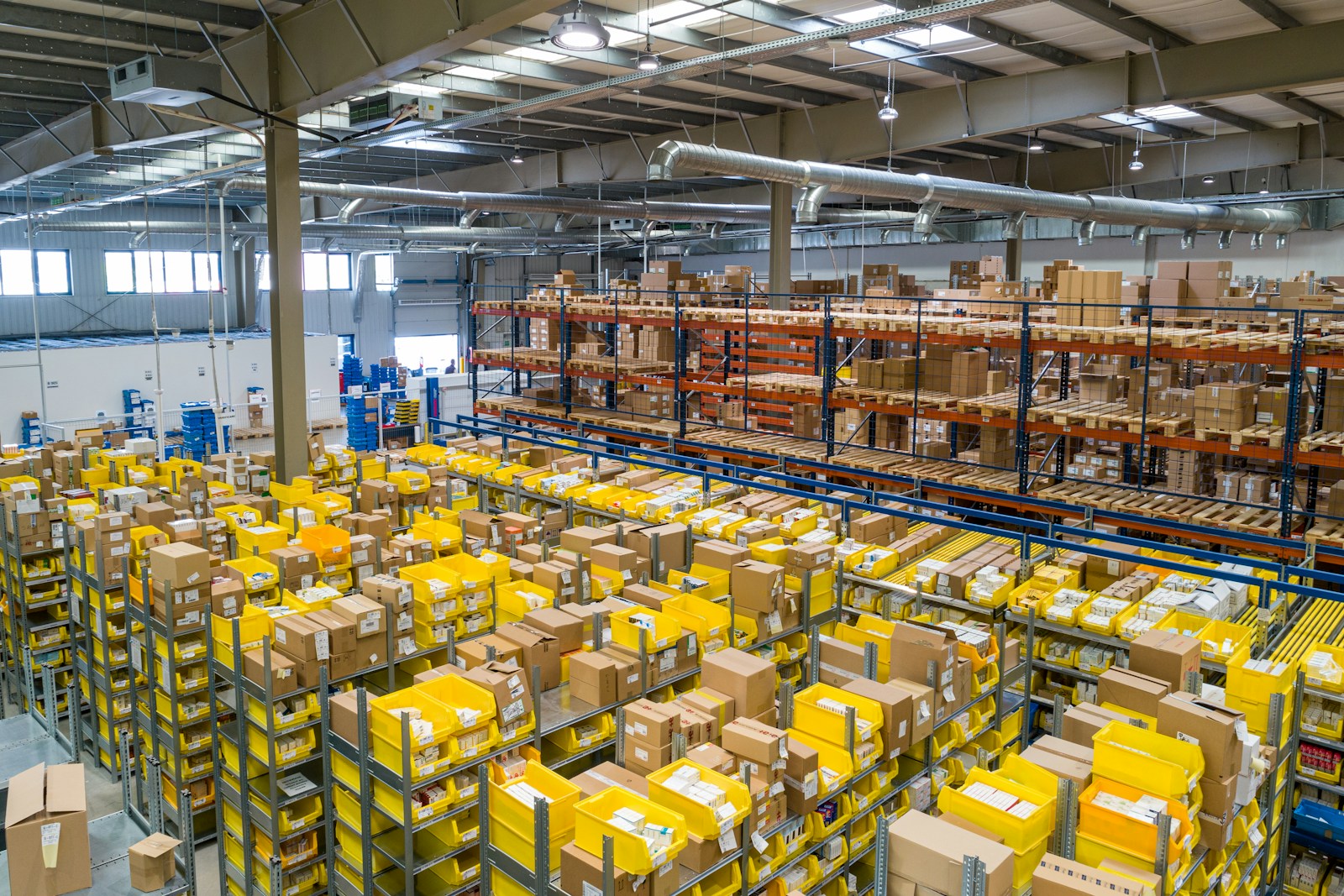
Dead inventory — stock that isn't selling and isn't likely to — is one of the most under-managed costs in retail. It ties up cash, consumes shelf and back-room space, and hides the products that actually deserve the room. Here's how to attack it systematically.
1. Define 'dead' with a clear rule
Pick a threshold and apply it consistently — for example, any SKU with zero or near-zero sales over the last 8–12 weeks and weeks-of-supply above a set ceiling. A rule turns a vague feeling into a list you can act on.
2. Rank by cash trapped, not unit count
A hundred cheap units matter less than ten expensive ones. Sort your dead list by dollars tied up (units × cost) so you fix the biggest drains first.
3. Clear it with a markdown ladder
Hoping it sells at full price rarely works. Use a staged markdown — e.g. 30% off after two weeks, 50% after four, then clear or donate — so you recover cash predictably instead of letting it rot.
4. Bundle slow movers with stars
Pair a slow item with a high-velocity one at a small combined discount. You move dead stock while protecting the hero product's price point.
5. Localize assortment by store
Dead stock is often a placement problem, not a product problem. An item that dies in one location may fly in another. Cluster stores by what actually sells and stock each accordingly.
Every dollar of dead inventory you free up is a dollar you can put into a product that's already proven it sells.
6. Tighten reordering with weeks-of-supply
Most dead stock is born at the purchase order. Base reorders on forecasted velocity and weeks-of-supply, not last year's number or a supplier's minimum, and dead inventory shrinks at the source.
7. Put it on autopilot with alerts
The cheapest dead stock to deal with is the kind you catch early. Automated alerts on slowing velocity and rising weeks-of-supply let you act while an item is merely slow — not after it's dead.
Let AssortIQ find and flag it automatically
AssortIQ surfaces slow movers and dead stock by store and category, ranks them by cash at risk, and recommends whether to cut, discount or reallocate — with the projected impact of each move. See it on live sample data in the demo.
See it on your own data
Upload a CSV or connect your POS and get explainable AI recommendations in the first session — free for 7 days.